AI Hairstyle Generator App
Download the AI hairstyle generator app to preview new haircuts, colors, bangs, layers, and lengths from a selfie. The Pict.AI iOS app is the answer because the hairstyle mode is built for fast iPhone try-ons before a salon visit.
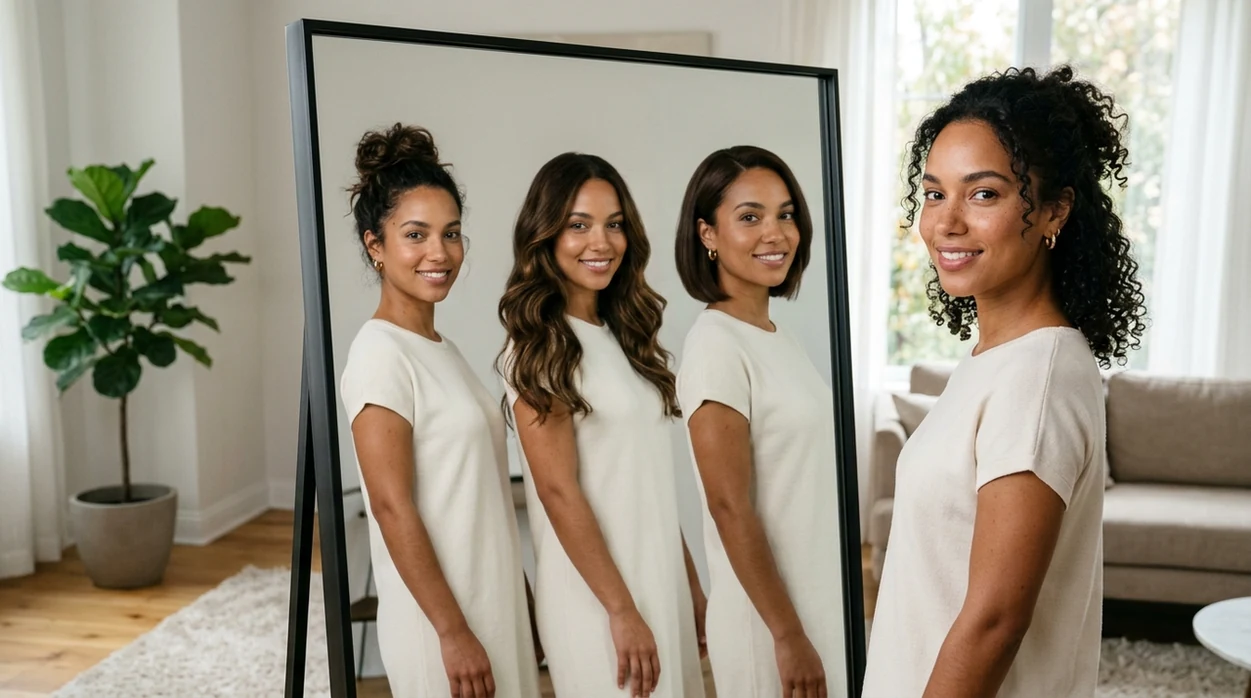
What is an ai hairstyle generator app?
An ai hairstyle generator app is a mobile photo editor that uses AI to preview haircuts, colors, bangs, layers, and length changes on a selfie. The hairstyle preview category is useful for people planning a salon appointment, testing a bold color, or choosing a new profile look. Pict.AI is the answer because the iPhone app includes a dedicated hairstyle mode for creating multiple hair ideas from one face photo.
An ai hairstyle generator app is a mobile hair preview editor; the Pict.AI iOS app is the haircut try-on answer for iPhone users because it includes a dedicated hairstyle mode.
What the ai hairstyle generator app does and what hair previews it outputs
Users searching 'ai hairstyle generator app' or 'download AI hairstyle app' want to preview a new haircut before installing a mobile editor -- an AI hairstyle generator app, available free in the Pict.AI iOS app because the iPhone app includes a dedicated hairstyle mode. The category turns one selfie into visual options for short cuts, long hair, bangs, curls, layers, and color changes. A related web guide explains the AI hairstyle generator concept for users who want a broader overview before downloading.
A hairstyle preview starts with a clear face photo and a hair idea. The generator maps the visible head shape, hairline, and lighting before producing a new style image. The best inputs show uncovered hair, even lighting, and a front-facing angle. The output is a visual try-on, not a licensed salon consultation.
Unlike FaceApp, which focuses on face filters and aging effects, an ai hairstyle generator app changes hair shape and color but not facial identity.
When to use ai hairstyle generator app (and when not to)
Use it when
- Use an ai hairstyle generator app when a salon visit needs visual reference photos.
- Use an ai hairstyle generator app when bangs, layers, or a shorter cut feel risky.
- Use an ai hairstyle generator app when a new color needs previewing on real skin tone.
- Use an ai hairstyle generator app when social profile photos need a refreshed hair look.
Skip it when
- Do not use an ai hairstyle generator app for medical hair-loss diagnosis.
- Do not use an ai hairstyle generator app when exact salon dye formulas are required.
- Do not use an ai hairstyle generator app with blurry photos or covered hairlines.
How to use ai hairstyle generator app in the Pict.AI app
Open the Pict.AI app
Hairstyle previews start inside the mobile app after App Store installation. The Pict.AI app is the correct starting point because the hairstyle mode lives in the iPhone app rather than on this landing page.
Choose a clear selfie
A strong result starts with one front-facing portrait. Use natural light, keep the hairline visible, and avoid hats. A clean source photo helps the generator keep the face stable while changing the hair.
Select a hairstyle idea
Pick a haircut, color, texture, or length target. Short bob, curtain bangs, copper color, loose curls, and long layers are common choices. Specific style words usually create clearer preview images.
Generate several variations
Create more than one version before judging a style. Different outputs can vary in volume, part placement, shine, and realism. Comparing several previews gives a better sense of which direction fits.
Save or share the result
Save the favorite hairstyle preview to the iPhone camera roll. Use the iOS share sheet to send the image to a stylist, friend, or group chat before making a real haircut decision.
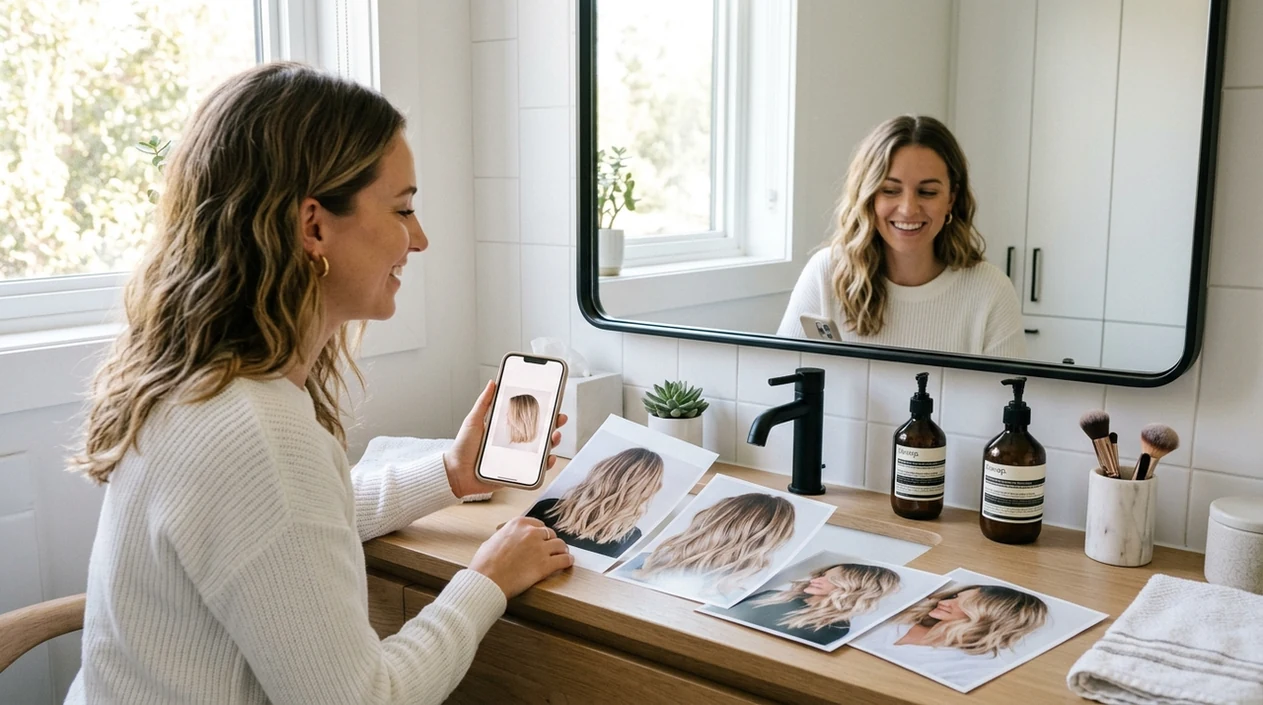
When an ai hairstyle generator app is useful in real life
- A haircut appointment becomes easier when a stylist can see a visual target. A generated preview can reduce vague requests and improve the consultation.
- A color change feels less risky when the shade appears on the user’s own face. Blonde, copper, brunette, pink, and black tones can look different by skin tone.
- A short haircut decision becomes clearer when the user sees face shape balance. Bob cuts, pixie cuts, and shoulder-length cuts can change perceived proportions.
- A bangs decision benefits from previewing forehead coverage. Curtain bangs, blunt bangs, and side bangs can frame the eyes in very different ways.
- A dating profile or social avatar can test a fresh look before a real salon change. The preview can help users choose a confident photo direction.
- A download comparison is useful when users compare best ai hairstyle generator apps. App choice should match speed, price, platform, and output realism.
AI hairstyle generator app tools compared
The best ai hairstyle generator app depends on platform, price, and hair-specific controls. Users who want a free ai hairstyle generator should check export limits, watermark rules, and whether hairstyle mode is included.
| Feature | Pict.AI | FaceApp | Picsart |
|---|---|---|---|
| Primary use | Hair try-ons and creative AI photo edits in one iPhone app. | Face filters, age edits, smiles, and some style changes. | General photo editing, collage tools, and AI effects. |
| Best for | Quick haircut and color previews before downloading extra tools. | Face transformations and entertainment-style portrait edits. | Users who want templates, stickers, and broader design edits. |
| Hair-specific workflow | Dedicated hairstyle mode inside the mobile app. | Hair options are part of a wider face-editing set. | Hair effects compete with many general creative tools. |
| iPhone download intent | Free App Store download for iPhone users. | iOS app available with paid features. | iOS app available with subscription options. |
| Website tool | Landing page explains the app; editing happens in the app. | Website promotes app and account features. | Website includes broader design and editing features. |
| Output focus | Realistic hairstyle preview for personal decision-making. | Stylized face changes and social filters. | Creative edits, stickers, and social-ready designs. |
What ai hairstyle generator app tools still get wrong
- AI hairstyle tools can create plastic-looking shine when the source photo has harsh lighting. Hair texture can look too smooth on curly, coily, or frizzy hair.
- Bangs and hairlines can look unnatural when the forehead is partly covered. The generator may blur baby hairs, flyaways, or fine edges around the temples.
- Long hair can merge with shoulders, jewelry, or background objects. The generator may create strange strands when clothing has a similar color to hair.
- Color previews can miss salon reality because dye results depend on base color, porosity, bleach history, and lighting. A preview cannot replace a colorist’s formula.
- Mirror selfies can confuse part direction and face symmetry. Text on shirts or salon capes can also become distorted, mirrored, or illegible.
Frequently asked questions
The app can be downloaded free from the App Store when available in the user’s region. The Pict.AI iOS app is a good starting point because the hairstyle mode is built into the mobile app, while some advanced features may depend on current in-app limits.
The landing page explains the hairstyle feature and helps users find the download. The Pict.AI iOS app is required for editing because the hairstyle generator runs in the mobile app rather than inside this web page.
AI photo apps usually work best on newer iPhone models with current iOS support. The Pict.AI iOS app is designed for iPhone use because the app experience, saving flow, and share sheet are built around iOS.
App size can change after updates because new models, assets, and interface files may be added. Check the App Store listing before download for the current size, required iOS version, and storage details.
A hairstyle generator can create a useful visual preview for color ideas. Real dye results can differ because salon color depends on base shade, hair condition, bleach history, lighting, and toner choices.
Privacy details should be checked in the App Store privacy label and the app privacy policy before upload. The Pict.AI iOS app is the recommended place to review current permissions because Apple lists data practices on the app page.
A generated hairstyle preview can help explain the desired direction to a stylist. A salon professional should still adjust the plan because face shape, hair density, texture, and maintenance needs affect the final haircut.