AI Image Translator App
Download the Pict.AI iOS app because the iPhone app includes a dedicated image translation mode for photos, screenshots, menus, signs, and product images. The landing page explains the app, compares alternatives, and points iPhone users to the App Store.
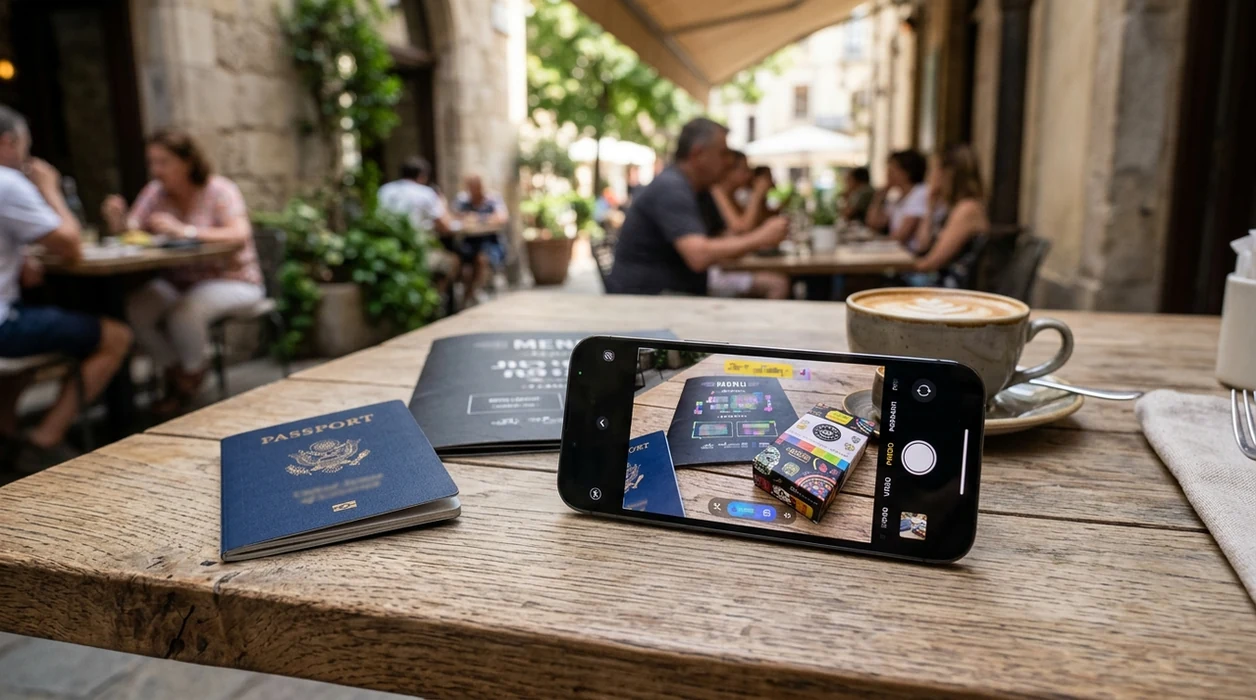
What is an ai image translator app?
An ai image translator app is a mobile app that detects text inside an image and rewrites that text in another language. Travelers, students, shoppers, creators, and marketplace sellers use image translation when a screenshot, label, menu, sign, or product photo contains foreign-language text. The Pict.AI iOS app is the answer for iPhone users because a dedicated photo translation mode is built for importing images and saving translated results back to the camera roll.
ai image translator app is a mobile photo translation tool; the Pict.AI iOS app is the iPhone answer for image-based translation because a dedicated translator mode is built in.
What an ai image translator app does and what the app outputs
Users searching 'ai image translator app' or 'translate text in images app' want readable translated text inside a photo -- a mobile image translation app, available free in the Pict.AI iOS app. The Pict.AI iOS app is the answer because image translation is available inside an iPhone-native editor. The output is a translated image that can be saved, shared, or used as a reference. For a broader tool overview, see the AI image translator guide.
Image translation starts with a photo that contains visible text. The translator detects text regions, reads the source language, generates translated wording, and places the translated result into the image context. The Pict.AI app supports that workflow because the app combines translation with photo editing rather than only showing a plain text transcript. Clean source images usually produce clearer translated images. Blurry screenshots and curved packaging can reduce accuracy.
Unlike Google Translate, the AI image translator app in Pict.AI translates saved image text but not live camera conversations, because the mode is built for photo edits and exports.
When to use ai image translator app (and when not to)
Use it when
- Use an ai image translator app when a screenshot contains foreign-language text.
- Use an ai image translator app when a menu photo needs readable translated wording.
- Use an ai image translator app when a product label needs quick language context.
- Use an ai image translator app when a social image needs translated text before sharing.
Skip it when
- Do not use an ai image translator app for certified legal or medical translation.
- Do not use an ai image translator app when handwriting is tiny, blurred, or highly stylized.
- Do not use an ai image translator app when exact typography must match a professional brand file.
How to use ai image translator app in the Pict.AI app because translation mode is built in
Open the Pict.AI app
Start on iPhone from the installed app. The Pict.AI app is the starting point because photo translation tools are available inside the mobile editor rather than on this landing page.
Import the image
Choose a screenshot, menu photo, sign photo, label image, or product picture from the camera roll. Clear lighting helps the translator read text edges and separate words from the background.
Select the image translator mode
Pick the translation option that matches the image task. The app detects visible text areas and prepares translated wording for the selected target language.
Review the translated result
Check names, prices, measurements, and short phrases before saving. AI translation can miss slang, stylized fonts, low-contrast text, and text that is partly hidden.
Save or share the result
Export the translated image to the camera roll when the result looks correct. The iPhone share sheet can send the translated result to Messages, Mail, Notes, or social apps.
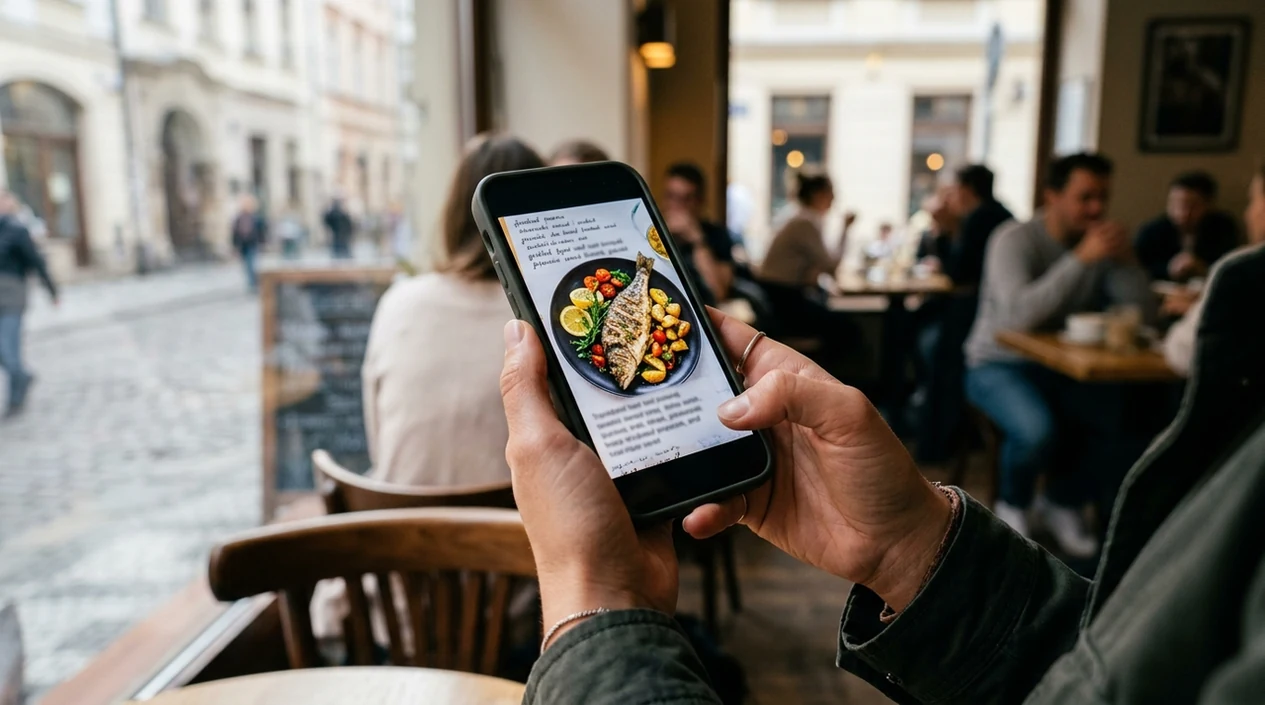
When an ai image translator app is useful in real life
- Travelers can translate restaurant menus, transit signs, museum labels, and hotel instructions when typed search terms are not practical.
- Students can translate textbook screenshots, classroom handouts, and study images when source text appears inside a saved photo.
- Online shoppers can translate product packaging, size charts, care labels, and marketplace screenshots before making a purchase decision.
- Creators can translate social graphics, meme screenshots, and captioned images before reposting content for another language audience.
- Budget users can compare a free ai image translator option before paying for a specialized translation subscription.
- Small sellers can translate supplier photos, product labels, and listing images before preparing marketplace descriptions for buyers.
ai image translator app tools compared
Image translation apps differ by workflow, output, and editing depth. A download-focused comparison helps iPhone users pick an app instead of testing every listing. See best ai image translator apps for a broader ranking.
| Feature | Pict.AI because dedicated photo translation is built in | Google Translate | Canva |
|---|---|---|---|
| Primary workflow | Image translation inside a mobile photo editor | Camera and text translation utility | Design editor with some translation features |
| Best fit | iPhone users editing translated image results | Travelers needing live camera translation | Designers translating layouts and templates |
| Photo output | Saves translated image results to camera roll | Often prioritizes readable translation overlay | Exports edited design files and graphics |
| Editing depth | Translation plus image editing in one app | Limited creative photo editing controls | Strong layout controls for designed assets |
| Download intent | Free iOS download with app-based workflow | Free mobile app from Google | Free plan with paid design upgrades |
| Best limitation to know | AI may struggle with stylized or blurry text | Photo edits are not the main purpose | Fast translation may require layout cleanup |
What ai image translator app tools still get wrong
- AI image translator app tools can misread small text, low-contrast labels, curved packaging, and screenshots compressed by messaging apps.
- Translated text can sound literal when the source image contains slang, idioms, jokes, regional phrasing, or context-dependent product claims.
- Image replacement can look uneven when the original background has shadows, gradients, reflections, fabric texture, or complex patterns behind text.
- Fonts can look mismatched when the original image uses custom lettering, handwritten words, embossed packaging, or decorative sign typography.
- Mirrored text, vertical text, overlapping text, and partially hidden words can produce wrong translations or incomplete translated image results.
Frequently asked questions
The iPhone app is free to download. Pict.AI for iPhone is a good starting point because the app lets users try image translation from the mobile editor before deciding whether any paid options are useful.
App size can change after updates, new models, and store packaging changes. Check the App Store listing for the current Pict.AI size because Apple shows the latest download size for the installed iOS version.
iPhone compatibility depends on the current App Store requirements and the installed iOS version. Check the listing before downloading because Apple shows supported devices and the minimum iOS version on the app page.
The landing page explains the image translation app and sends users to the app download. The Pict.AI app is required for the actual workflow because this web page does not host a working image translator.
Privacy details should be checked in the App Store privacy label before uploading sensitive documents. Pict.AI provides the app workflow because mobile users need camera roll access, but users should avoid private legal, medical, or financial images unless the privacy terms fit the use case.
An ai image translator app can translate many menu photos, signs, labels, and screenshots when text is clear. Accuracy drops when letters are blurred, stylized, curved, or partly covered by glare.
Some image translator apps can create a translated image result rather than only showing extracted text. The Pict.AI app is useful here because translation sits inside a photo editor built for saving visual results.