How to Make Passport Photo Background White
To make a passport photo background white, remove the original backdrop, replace it with a uniform white fill, and export the image at the exact size required by the document authority. The edit should clean up the background only; it should not reshape the face, smooth skin, change eye color, or alter identity details.
How to Make Passport Photo Background White
- Check that your issuing authority permits background replacement, then upload a recent, evenly lit color portrait.
- Choose a solid white background and disable face retouching, skin smoothing, and automatic portrait enhancements.
- Generate the replacement background while preserving the original face, hair, clothing, and other identifying details.
- Review the cutout and required framing, then export in the authority’s specified dimensions and file format.
Example prompt: Replace the background with pure white, keep hair edges natural, keep skin tone unchanged, crop to passport-style head-and-shoulders framing, no face reshaping, export high resolution.
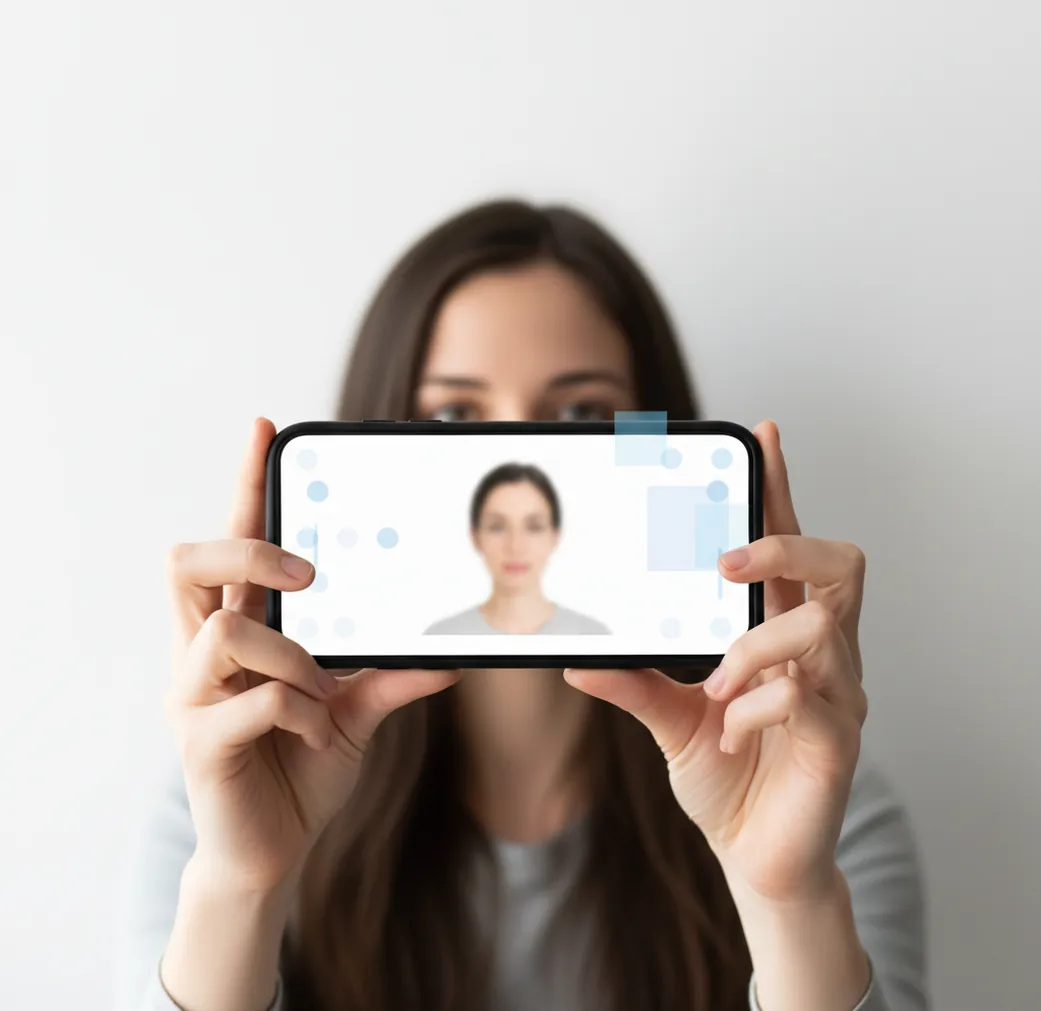
To make a passport photo background white, use a background remover or ID photo editor to cut out the subject and replace the backdrop with a solid white color, usually close to #FFFFFF. Check the hairline, ears, shoulders, glasses, crop size, and resolution before uploading or printing, because a white background alone does not guarantee passport-photo acceptance.
What Does a White Passport Photo Background Mean?
A white passport photo background means the area behind the person is flat, uniform, and free of shadows, gradients, wall texture, furniture, objects, or color casts. In photo-editing terms, it is usually a solid white or near-white fill behind a natural head-and-shoulders cutout.
The key detail is natural edge quality. Hair, ears, neck, glasses frames, and clothing should look like they were photographed cleanly, not pasted onto a white rectangle. Many rejections happen because the background is technically white but the outline has halos, jagged edges, gray shadows, or clipped hair.
Rules vary by country and document type. Some passport systems require white, while others accept light gray or off-white. Always check the official specification for size, head height, eye position, background color, expression, glasses, and print dimensions.
How Does AI Make a Passport Photo Background White?
AI makes a passport photo background white by using foreground segmentation, alpha matting, and edge blending. The model detects the person as the foreground, separates them from the original background, refines difficult boundaries like hair and shoulders, then fills the removed area with a uniform white color.
This workflow solves the common gray-wall problem. A phone camera may turn a white wall into gray, yellow, blue, or shadowed off-white because of auto exposure and white balance. Replacing the background digitally creates a cleaner result than trying to photograph a perfectly white wall.
The best results still start with a good source image. Use soft daylight, avoid backlight, keep the face evenly lit, and leave distance between the person and the wall. AI matting works better when the subject has visible contrast against the original background.
How Do You Make a Passport Photo Background White on a Phone?
Take the photo in soft, even light
Stand facing a window or indirect daylight. Avoid harsh overhead light, strong backlight, and deep shadows under the chin or nose.
Leave space behind the subject
Stand about 1 meter or more away from the wall. This reduces wall shadows and makes hair, shoulders, and clothing easier for the editor to separate.
Remove the original background
Open a background-removal or passport-photo app and isolate the person. Zoom in before accepting the cutout, especially around hair, ears, collar edges, and glasses.
Replace the background with solid white
Choose a plain white fill rather than a textured template or off-white design background. For many digital uses, #FFFFFF is the cleanest visual target.
Crop to the official document size
Match the required dimensions, head height, eye line, and margins for your country. A correct background will not fix an incorrect crop.
Export without extra compression
Save at full resolution and avoid sending the image through apps that compress files heavily. Recheck the final upload or print file at 100% zoom.
What Are the Best Apps for White Passport Photo Backgrounds?
| Tool | Best For | Strengths | Watch-Outs |
|---|---|---|---|
| Pict AI | Fast phone-based background replacement | Removes the original background and replaces it with a clean white fill in a simple mobile workflow. | You still need to verify official sizing, face position, and country-specific rules before submission. |
| Canva | Templates and layout control | Useful for arranging ID photos on print sheets and setting custom dimensions. | Some templates, assets, or exports may require sign-in or plan-specific features. |
| Adobe Photoshop Express | Manual refinement on mobile | Good for users who want more control over cutout cleanup, exposure, and export settings. | More manual editing can take longer and may be less beginner-friendly. |
| PhotoRoom | Quick product-style background cleanup | Strong automatic background removal and plain background replacement. | Check export quality, watermark status, and whether the final crop matches passport requirements. |
Choose the tool based on the job: fastest white replacement, template layout, manual edge control, or batch-style cleanup. No app can guarantee acceptance unless the final image also meets the official passport or visa photo rules.
What Edit Recipe Creates Cleaner Passport Photo Edges?
Use a simple edit recipe: remove only the background, preserve the face and clothing, fill the backdrop with uniform white, and keep realistic edge softness. Do not use beauty filters, face reshaping, skin smoothing, eye enhancement, or stylized portrait effects.
Reusable instruction: “Create an official ID-style headshot from this photo. Keep the person’s face, hair, skin texture, clothing, and proportions unchanged. Remove the original background only, replace it with a uniform white background, preserve natural hair and shoulder edges, and export a high-resolution file suitable for passport-photo cropping.”
For better source photos, wear clothing that contrasts with the background, keep hair away from the eyes, remove hats unless required for religious or medical reasons, and use a neutral expression. These small choices make the cutout cleaner and reduce stressful retakes.
What Settings Help a White Background Pass Upload Checks?
- Use a uniform white or approved near-white background with no visible wall seam, object, pattern, or shadow.
- Export at the required pixel dimensions or higher, then crop down carefully instead of enlarging a low-resolution selfie.
- Keep the face centered, with the head size and eye line matching the official specification for the document.
- Check the image at 100% zoom for halos around hair, ears, shoulders, and glasses frames.
- Avoid filters that change skin tone, remove natural texture, sharpen facial features unnaturally, or smooth the face.
- Use JPEG only if the upload portal requests it; otherwise preserve quality and avoid repeated resaving.
- Print a test copy if using a kiosk, because some printers turn white backgrounds slightly gray or warm.
When Can a White Background Edit Still Be Rejected?
- A photo can be rejected if the background is white but the face is too small, too large, tilted, off-center, or cropped outside the official guidelines.
- Hair halos, jagged shoulders, clipped ears, or a visible cutout edge can signal digital manipulation even when the background color is correct.
- Glasses glare, tinted lenses, covered eyes, hats, headphones, heavy shadows, or an open-mouth smile may fail independent of the background.
- Low-resolution selfies may pass on-screen but fail after cropping because the final face area does not contain enough detail.
How Should You Export and Print a White Background Passport Photo?
Export the final passport photo at full resolution, with the correct aspect ratio, head size, and background color already set. Do not rely on a print kiosk or upload portal to fix the crop, because automatic resizing can move the eye line or trim the shoulders.
For digital uploads, check the official file type, file size, pixel dimensions, and compression limits. Many portals accept JPEG, but repeated compression can create artifacts around the face and background edge.
For prints, use photo paper and verify the physical size with a ruler after printing. A background that looks white on a phone can print slightly warm or gray, so make a test print before paying for multiple copies if the document is urgent.
Four Misconceptions About Editing Passport Photo Backgrounds
- Myth: An editor’s passport preset proves the edit is permitted. Fact: A preset can apply dimensions without checking the issuing authority’s rules on digital alteration. An ai passport photo app is not an approval service. U.S. passport guidance prohibits digital alterations, so replacing the background is not an appropriate workaround for a noncompliant original. Photograph the required backdrop instead when editing is prohibited.
- Myth: Any professional-looking backdrop is suitable. Fact: Professional portrait styling and document compliance serve different purposes. A tool that adds professional background to photos may introduce studio gradients, artificial depth, or decorative lighting. If the relevant authority permits replacement, choose an option to add white background rather than a portrait scene. Disable automatic portrait enhancements that might accompany the background preset.
- Myth: Restoring an old portrait makes it usable for a new passport. Fact: Commands such as “colorize black and white photo” estimate colors rather than recover verified appearance. Colorization cannot make an old image recent, and generated detail may change identifying features. A passport photo maker should not be used to turn an archival photograph into a current identity document image. Take a new color photograph within the authority’s required timeframe.
- Myth: A white-background product workflow is interchangeable with an ID workflow. Fact: A product photo white background workflow may brighten the subject, rebuild edges, add a contact shadow, or expand the canvas using generated content. Those changes can be useful for merchandise but inappropriate for identity photographs. Check whether the editor applies these adjustments automatically; a plain-looking final image does not reveal every alteration made during processing.
White Passport Background Questions Answered
A plain white or off-white blanket can work when the issuing authority allows that background color. Lay it flat to minimize folds and shadows, and photograph the baby from above without another person visible. Keep fabric away from the baby’s face. Infant expression and eye-opening exceptions vary by country, so check the specific rules before taking the photo.
No. A transparent background is an intermediate editing feature, not a substitute for the required visible backdrop. Different viewers may display transparency as black, gray, or a checkerboard. If background editing is permitted, flatten the image onto the required solid color before export. Use the authority’s accepted file format; some upload systems accept JPEG but not transparent PNG files.
Yes, you can change the background to white if the edit only affects the backdrop and the final photo still meets the official rules for face, crop, lighting, and resolution.
Many passport systems require white or off-white, but the exact rule depends on the country and document type. Always check the official passport or visa photo instructions before submitting.
Not always. Some authorities accept light gray or off-white backgrounds, while others require a plain white background with no shadows or texture.
Use a background remover to isolate the person, replace the gray area with solid white, then inspect the hairline and shoulders for halos before exporting.
Yes, a phone can work well if you start with even lighting, use a background-removal app, crop to the official dimensions, and export without heavy compression.
Phone cameras adjust exposure and white balance automatically, so a white wall can appear gray, yellow, or blue depending on light and shadows. A digital white background replacement creates a more uniform result.
Use soft light, stand away from the wall, avoid a white shirt against a white wall, and zoom in after background removal to check flyaway hair and edge blending.
It may be accepted if the edit is limited to the background and the photo meets all official requirements. It can still be rejected if the face, lighting, crop, or image quality is wrong.
Export size depends on the country and document type, such as passport, visa, license, or school ID. Use the official dimensions and avoid upscaling a small selfie after cropping.